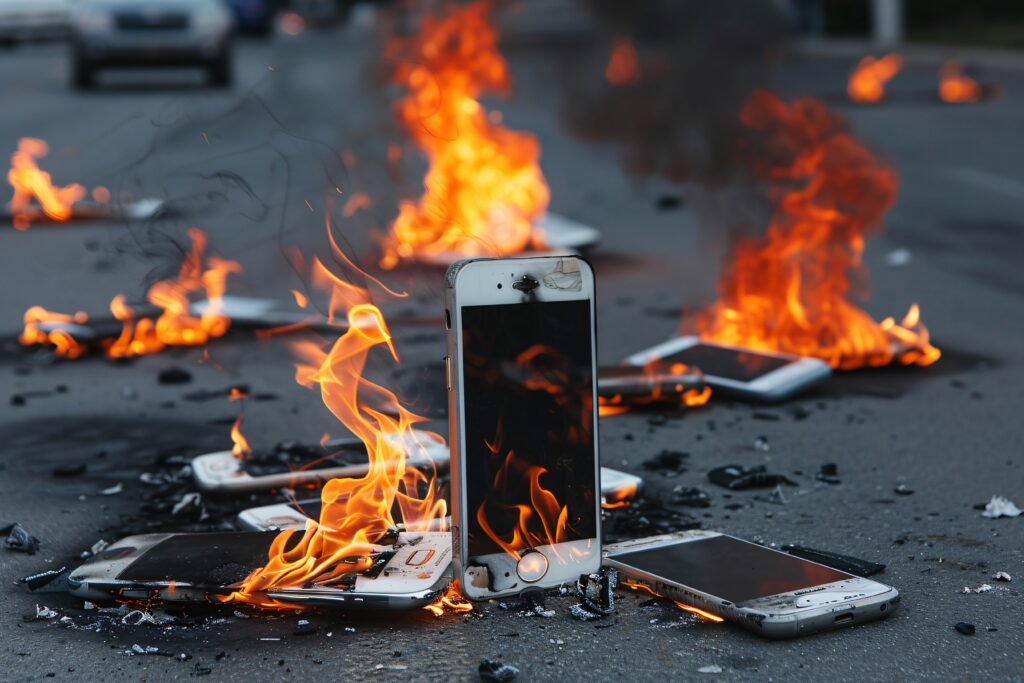
These days, it’s hard to imagine life without our smartphones, right? We rely on our phones for just about everything these days, whether it’s playing games, scrolling through social media, handling work tasks, or making online transactions. A frequent problem that a lot of people encounter is their phone getting too hot. When your phone often feels overly warm, it could be a sign of a deeper issue, whether it’s in the software or the hardware—something you shouldn’t just brush off.
When folks notice their phone getting really hot, they often type in “phone repair shops near me” into their search bar. That’s because excessive heat can seriously harm the battery, the screen, the processor, and other internal parts over time. This piece will dive into the reasons your phone might be getting too hot, explore the typical culprits, and suggest effective solutions to tackle the issue.
Is it normal for phones to get warm?
Absolutely, a little warmth is totally expected when you’re using your phone for certain activities.
Common Reasons Why Your Phone Is Heating Too Much
1. Too Many Apps Running in Background
Many applications continue running even when you are not actively using them. Social media apps, games, location services, and messaging apps consume processor power and RAM continuously, which increases device temperature.
Solution
- Close unused apps
- Restart your phone regularly
- Disable unnecessary background activity
If the issue continues, searching for reliable phone repair shops near me can help diagnose deeper software issues.
2. Overcharging Your Phone
Leaving your phone plugged in overnight regularly can increase battery temperature and reduce battery health over time.
Modern smartphones stop charging automatically at 100%, but continuous power flow still creates heat.
Solution
- Avoid overnight charging
- Use original chargers
- Remove thick phone covers while charging
3. Faulty Battery
A damaged or old battery is one of the biggest causes of phone overheating. Swollen batteries can become dangerous if ignored.
Signs of Battery Problems
- Fast battery drain
- Phone heating while idle
- Random shutdowns
- Battery swelling
In such situations, visit professional phone repair shops near me immediately to replace the battery safely.
4. Heavy Gaming and High Performance Usage
Games with high graphics use the CPU and GPU heavily, which naturally creates heat. Extended gaming sessions can overheat even premium smartphones.
Solution
- Reduce graphics settings
- Avoid gaming while charging
- Take breaks during long gaming sessions
5. Malware or Harmful Apps
Unknown applications downloaded from unofficial websites may contain malware that runs secretly in the background.
These apps can:
- Overuse processor power
- Drain battery quickly
- Cause overheating
Solution
- Install apps only from official stores
- Delete suspicious apps
- Run antivirus scans regularly
If your phone still heats excessively, phone repair shops near me can perform advanced diagnostics.
6. Software Bugs and Outdated System
Software glitches or outdated operating systems can force apps to malfunction and overload your phone processor.
Solution
- Update your phone software
- Clear cache files
- Reset settings if necessary
Sometimes firmware corruption requires expert repair service.
7. Charging Problems
Cheap duplicate chargers often deliver unstable voltage, which can heat the battery and motherboard.
Solution
Always use:
- Original charging cable
- Certified adapter
- Proper voltage charger
A damaged charging IC may also need repair from trusted phone repair shops near me.
8. Direct Sunlight and Hot Environment
Using your phone in direct sunlight or high-temperature environments increases internal temperature rapidly.
Examples include:
- Using GPS in a car dashboard
- Outdoor gaming
- Leaving phone inside a parked car
Solution
- Keep phone away from sunlight
- Remove protective covers temporarily
- Let the device cool naturally
9. Poor Network Signal
When your phone struggles to find network coverage, it uses more power continuously, which increases heat.
Solution
- Turn on airplane mode in weak signal areas
- Switch between WiFi and mobile data wisely
10. Hardware Damage
Sometimes overheating is caused by internal motherboard issues, water damage, or damaged IC components.
This type of problem cannot be fixed at home.
Common Hardware Causes
- Water damage
- Short circuits
- Motherboard failure
- Damaged processor IC
Professional phone repair shops near me can inspect these problems using advanced repair tools.
How Overheating Damages Your Phone
Ignoring overheating problems can lead to serious damage.
Possible Risks
- Battery explosion risk
- Reduced battery lifespan
- Screen damage
- Processor slowdown
- Motherboard failure
- Data loss
The sooner you fix overheating issues, the lower the repair cost will be.
Tips to Prevent Phone Heating
Here are some simple ways to keep your phone cool and healthy.
Keep Software Updated
Updates fix bugs and improve performance.
Avoid Cheap Chargers
Always use high-quality original accessories.
Remove Unused Apps
Unused apps consume RAM and battery.
Reduce Screen Brightness
High brightness increases heat generation.
Avoid Using Phone While Charging
This creates extra pressure on the battery and processor.
Clean Storage Regularly
Low storage can slow down your device and increase heating.
Restart Your Phone Weekly
Restarting helps clear temporary system load.
When Should You Visit a Repair Store?
You should contact professional phone repair shops near me if:
- Phone overheats daily
- Battery drains abnormally fast
- Device shuts down automatically
- Phone heats even without usage
- Charging becomes unusually slow
- You notice battery swelling
Professional technicians can identify whether the issue is related to:
- Battery
- Charging IC
- Software
- Motherboard
- Processor
Why Professional Repair Matters
Many users try DIY repair methods from the internet, but improper repairs can damage the phone further.
Professional repair stores provide:
- Accurate diagnosis
- Genuine spare parts
- Safe battery replacement
- Motherboard-level repair
- Warranty support
Choosing experienced phone repair shops near me ensures your device remains safe and functional for a long time.
Final Thoughts
Phone overheating is a common issue, but it should never be ignored. Small heating during gaming or charging is normal, but excessive heat can damage important internal components.
By following proper charging habits, updating software regularly, and avoiding duplicate accessories, you can reduce overheating problems significantly.
If your smartphone still heats excessively, it is best to visit trusted phone repair shops near me for professional inspection and repair. Expert technicians can quickly identify the real issue and help extend the life of your device.
Whether it is a battery issue, charging problem, or motherboard fault, timely repair can save you from expensive damage in the future.